Learn a poem on the page where you found it
The Memorizun extension for Chrome finds the poem on a page and hides its words right in the text, the same way our trainer does. You don't have to copy the poem anywhere.
Free, no sign-up.
01 How it works
- 1
Open a poem
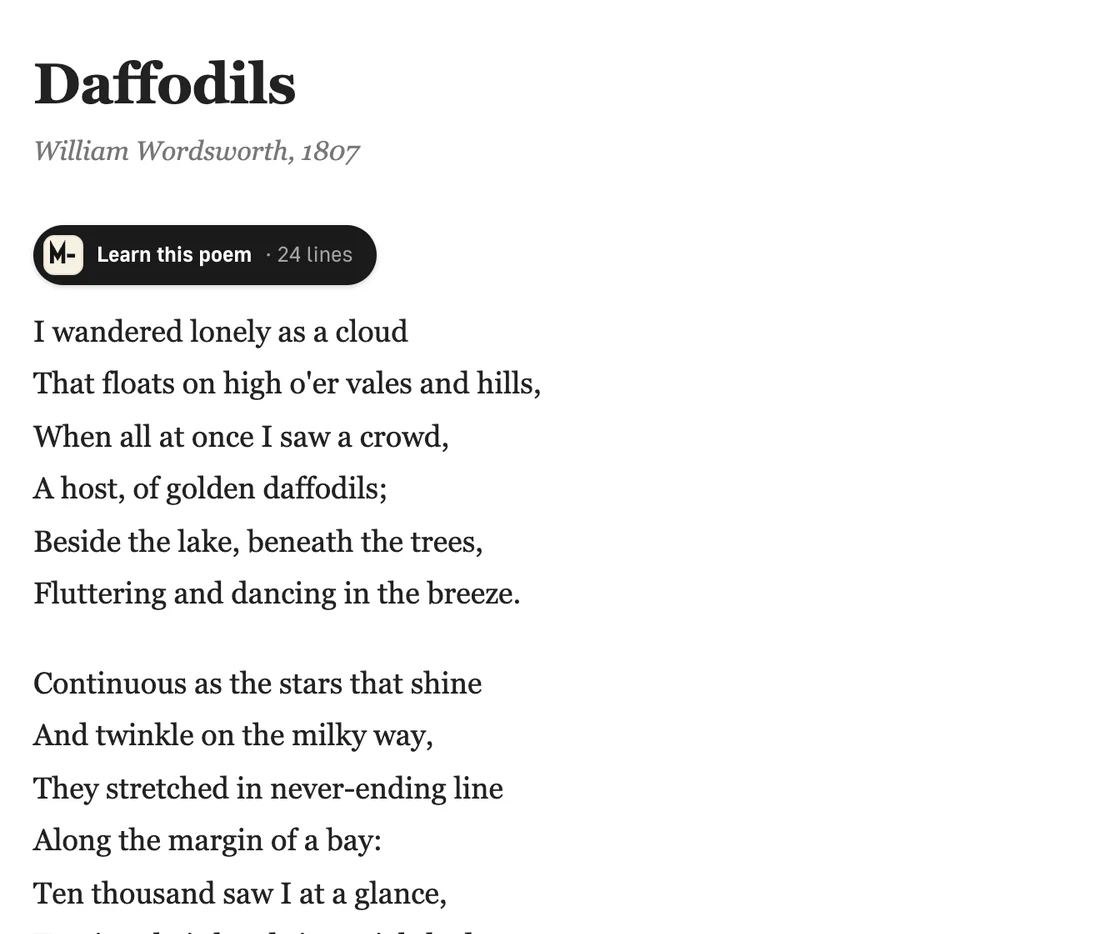
A “Learn this poem” button appears above it. Click it to open the panel.
- 2
Pick a step
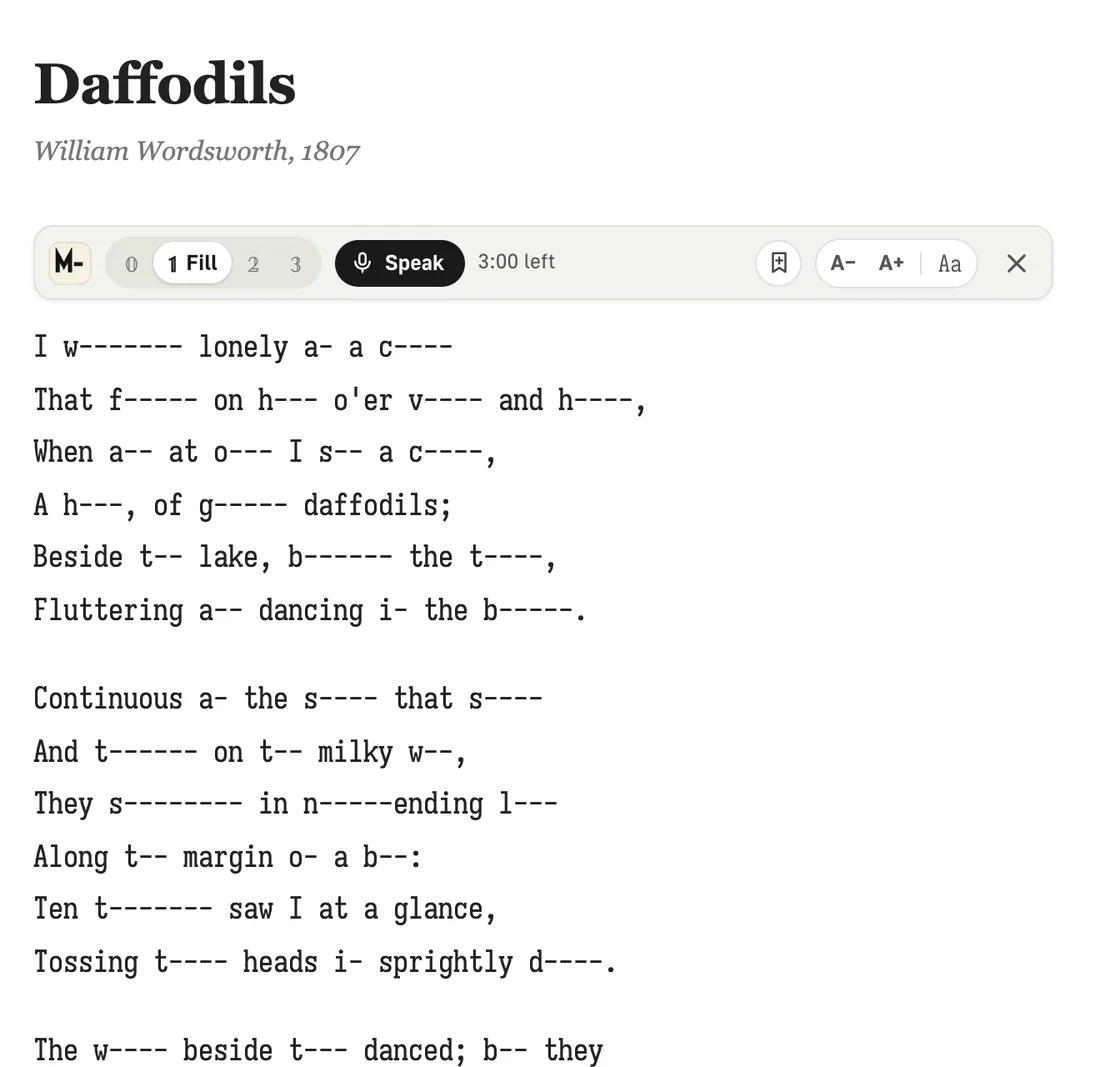
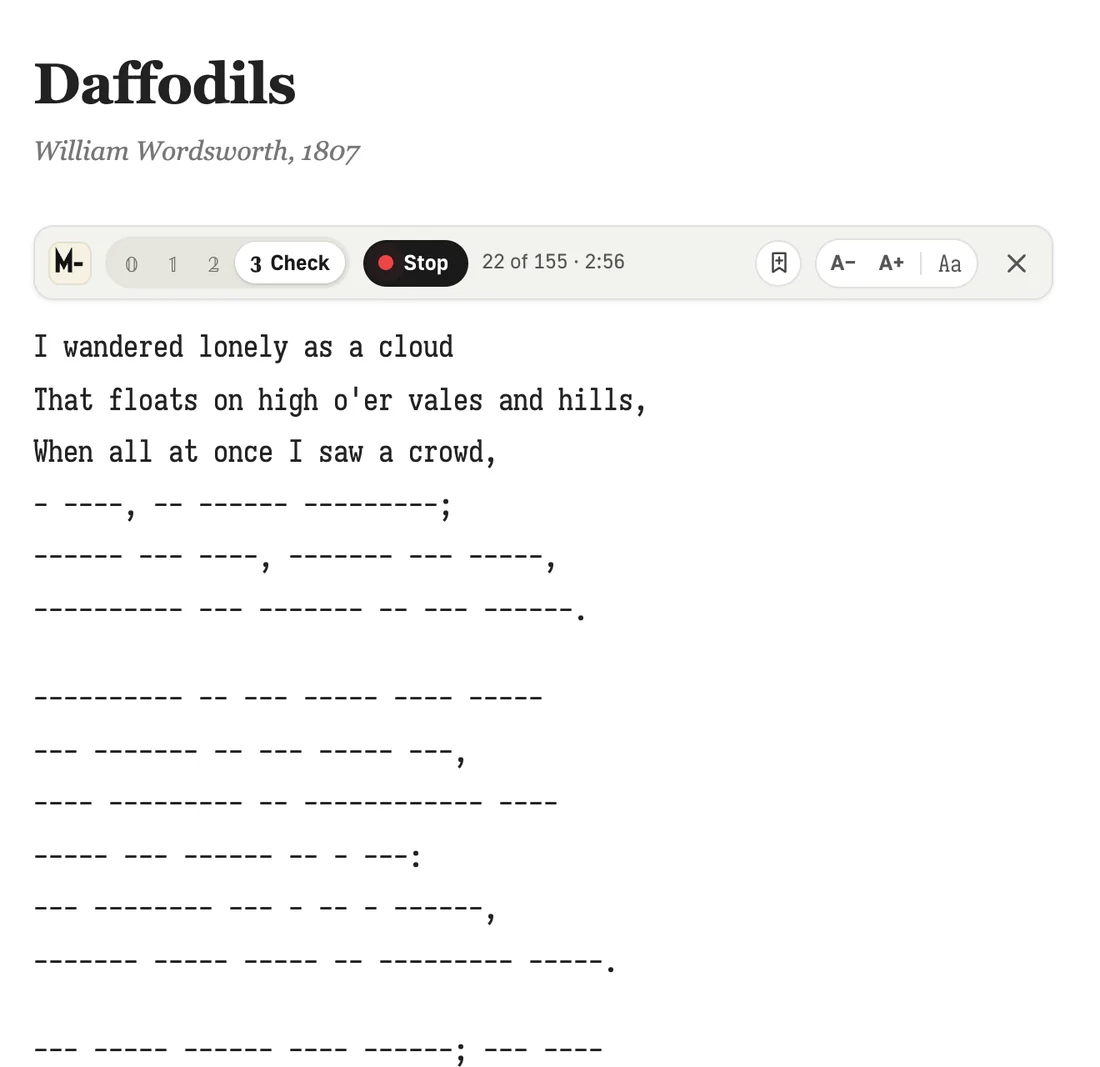
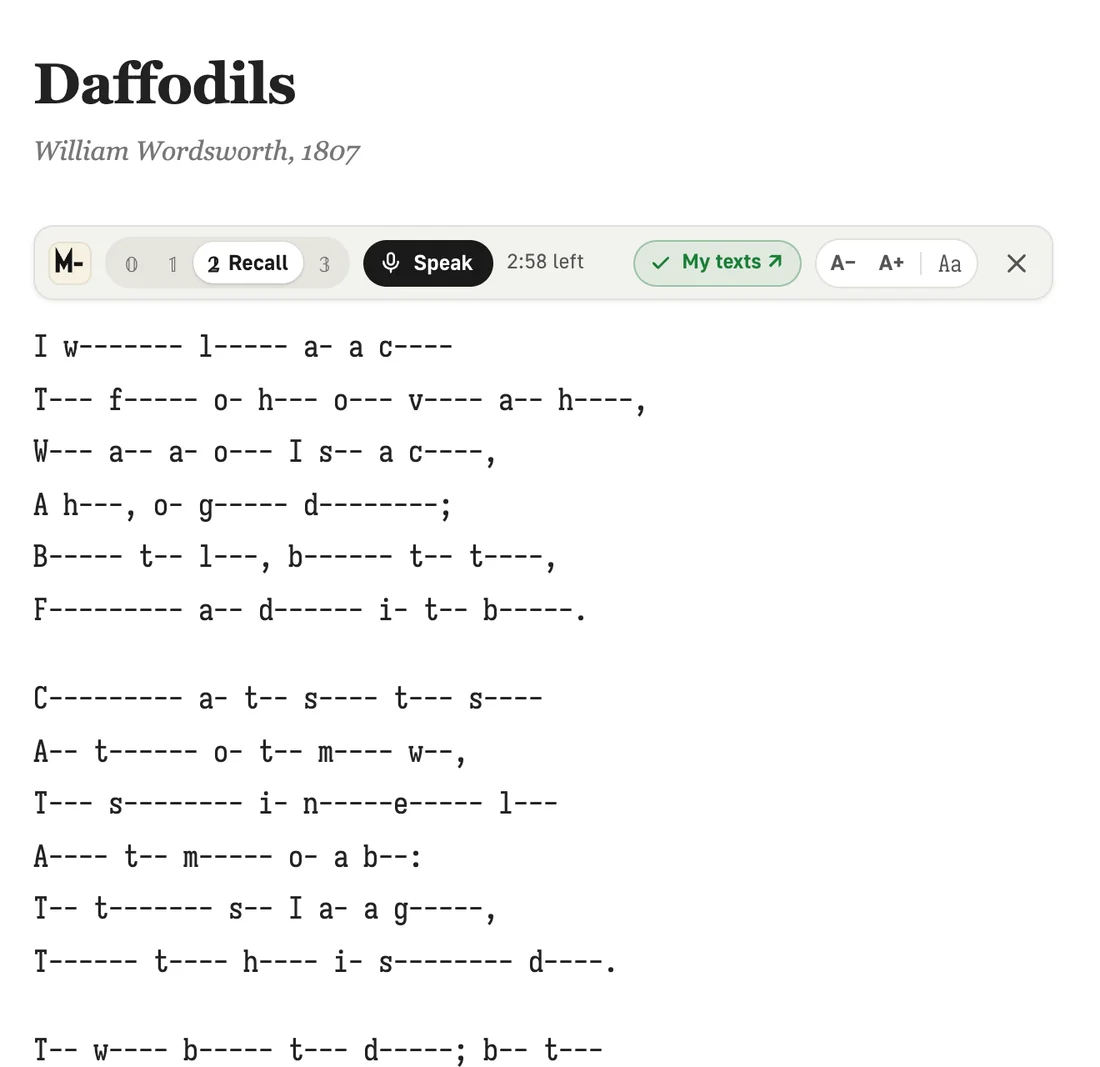
The steps are the trainer's: Read, Fill, Recall, Check. Words hide right in the page text.
If y-- can k--- your h--- when a-- about y-- - 3
Peek when you're stuck
Click a hidden word to reveal it. Click it again to hide it.
- 4
Say it out loud
In Fill, Recall and Check, press Speak. Words turn green as you say them, and a wrong one flashes red.
02 On any site
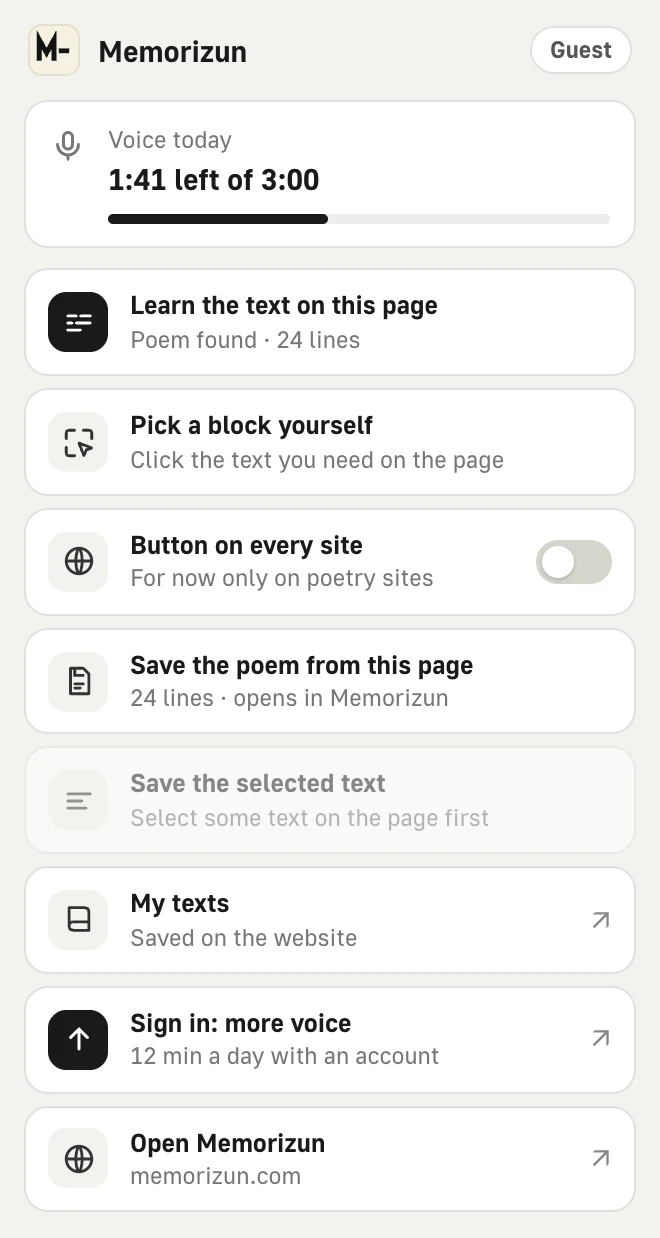
The button shows up by itself on stihi.ru, rustih.ru, Wikisource, poetryfoundation.org, poets.org and 28 more poetry sites in English, German, French, Spanish, Portuguese, Dutch and Polish. On any other page, click the extension icon and choose “Learn the text on this page”: the extension finds the poem, takes the text you selected, or lets you click the block you want.
Want the button everywhere? Turn on “Button on every site” in the extension menu. Chrome asks for access to all sites, and the extension then looks for a poem on every page you open. Turn it off and the access is removed.
Until you click or turn that switch on, it does nothing on other sites.
03 Voice check
The limits are the same as on memorizun.com. The extension learns your plan when you open the website. Your browser does the speech recognition, so it will ask for microphone access.
04 Save to My texts
The bookmark icon in the panel saves the poem to My texts on memorizun.com. A small Memorizun window opens, saves the text under your account, tells you where to find it and closes. You stay on the page with the poem.
05 What the extension sees
- It reads text only on the page where you started it, and only to find the poem. With “Button on every site” on, it checks every page you open the same way, but sends no text anywhere.
- It collects no data about you or the pages you visit. It has no analytics.
- It keeps only your font, size and today's voice minutes in the browser.
- It doesn't record audio: the browser recognizes speech, and the extension compares the words with the poem on screen.
More in the privacy policy.
06 Questions
Is it free?
Yes, the extension is free. A Memorizun subscription lifts the limits: voice is 3 minutes a day without signing in, 12 minutes with an account and unlimited with a subscription, and you can keep more texts.
Do I need an account?
No. Every step works without signing in. Without an account you can save up to three texts of your own.
There's no button above the poem. What now?
The site isn't on the list or the page is built in an unusual way. Click the extension icon and choose “Learn the text on this page” or “Pick a block yourself”. To get the button on any site, turn on “Button on every site” in the same menu.
Which browsers does it work in?
It's an extension for Chrome. Browsers that install extensions from the Chrome Web Store can install it too, but we tested it in Chrome.
Where are my saved texts?
On memorizun.com, in My texts. If you're signed in, you'll see them wherever you sign in to that account.